Vulnerability scanning between pentests
Accreditations and memberships


Keeping track of changes between tests
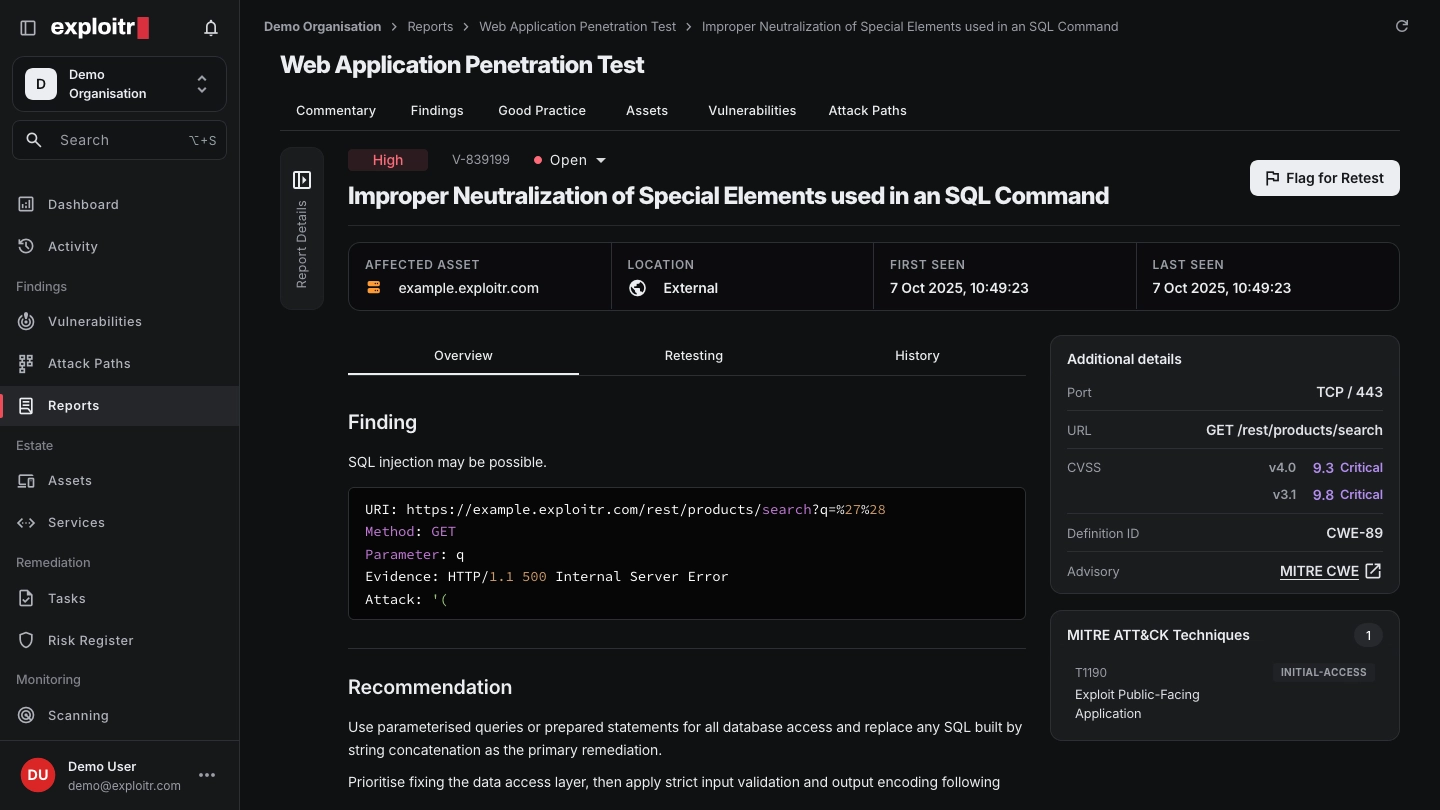
Your infrastructure changes between pentests. A firewall rule is opened for a supplier, a server misses a patch, or a new version of a CMS plugin is published with a known vulnerability. Scheduled scans check for changes on a regular cycle instead of at your next test.
Scanning is an addition to the manual testing with your engagement, not a replacement for it. A scanner can tell you a service is running an outdated version. It can't tell you whether that version can be exploited in your environment, or what an attacker could reach from there. For more on the difference, see vulnerability scanning versus penetration testing.
Finding open ports and exposed services
- Targeted at your inventory: Scans run against your assets already recorded in the platform.
- On a schedule you choose: Pick weekly or monthly, and each scan runs automatically in the background.
- Asset records updated: Open ports and their services are added to the asset record, so the inventory reflects what was found on the last scan.
Vulnerability checks against every open service
- Known exploits: Vulnerabilities being exploited in the wild, including entries in the CISA Known Exploited Vulnerabilities catalogue.
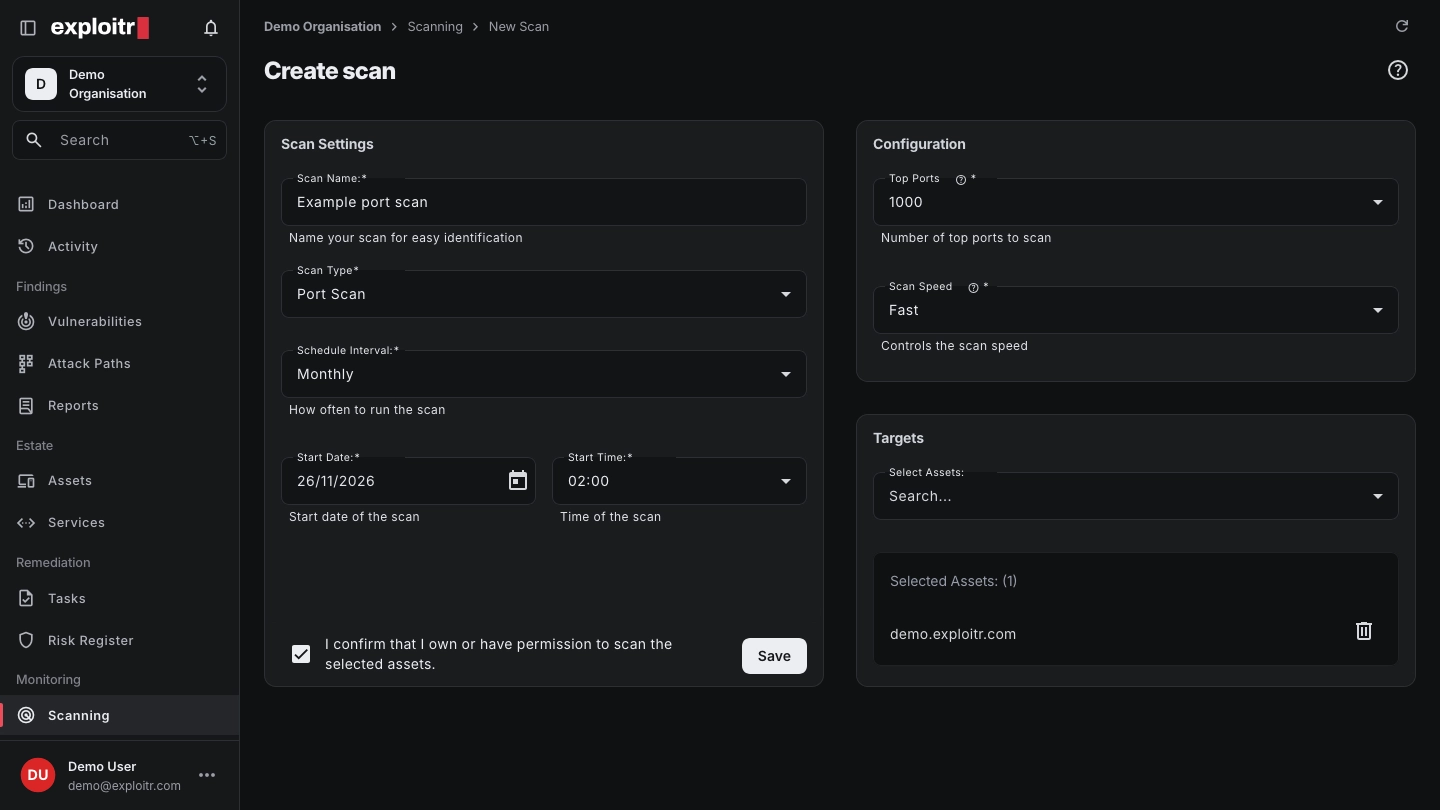
- CVEs and missing patches: Published CVEs and unpatched software identified from security advisories.
- Misconfigurations: Exposed admin panels, default credentials, insecure service settings, weak SSL/TLS configuration and subdomain takeover opportunities.
- Technologies and CMS: Checks specific to platforms such as WordPress, Drupal, Joomla, Apache, Nginx, Jenkins and Confluence.
- Network and infrastructure: Protocol weaknesses and device misconfigurations on routers, firewalls, VPNs and IoT devices.
Dynamic scanning of web applications and APIs
- Crawls and tests each application: The scanner maps pages, forms and parameters, then sends test requests to each one to look for vulnerabilities.
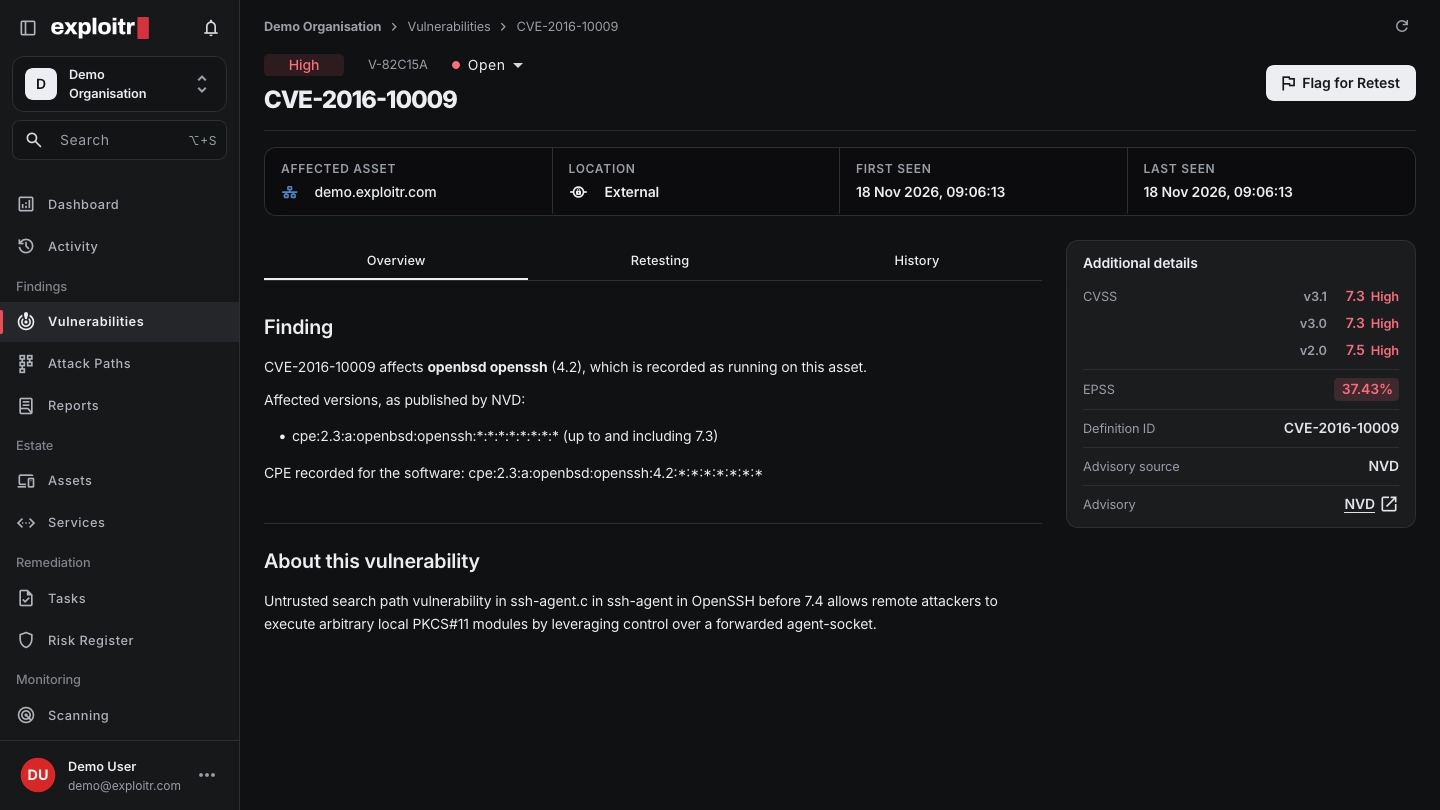
- Common vulnerability classes: Including SQL and command injection, cross-site scripting, authentication weaknesses, outdated components and security misconfigurations.
- Configurable: Tune the scan's intensity and false positive confidence level, or choose only a passive scan.
- Raised as findings: Each result is created as a finding with a severity score and the affected asset attached.
Scan results
Where scan results go
Alongside your pentest findings
Scan results sit in the same account as your penetration test findings and remediation history, and are tracked through the same statuses.Scored the same way
Each finding carries the same CVSS, EPSS and Exploitr risk rating as your test findings. See how findings are scored.Feeding vulnerability intelligence
Software and versions found by scans are added to the inventory that vulnerability intelligence checks against newly published CVEs every day.What scanning doesn't do
A scan doesn't confirm that a vulnerability can be exploited, chain issues together or test business logic, and some results may turn out to be false positives. That's the work your consultant does on testing days.
Common questions
Questions about vulnerability scanning
Scheduled scanning is part of a PTaaS subscription. On one-off engagements, we run any scanning ourselves as part of the test, and the results are reflected in your findings.
It's included in your PTaaS subscription and isn't priced separately. PTaaS starts from £5,000 per month on a 12-month term.
Weekly, monthly, or annually. You choose the schedule, and scans run automatically from then on.
No. Results are imported automatically as soon as a scan finishes, so you see them straight away. Your consultant can look into any result during your testing days, including whether it can be exploited.
Any scan sends traffic to the systems it targets. If an asset is fragile or business-critical, tell us during scoping so we can advise how it's best handled.