

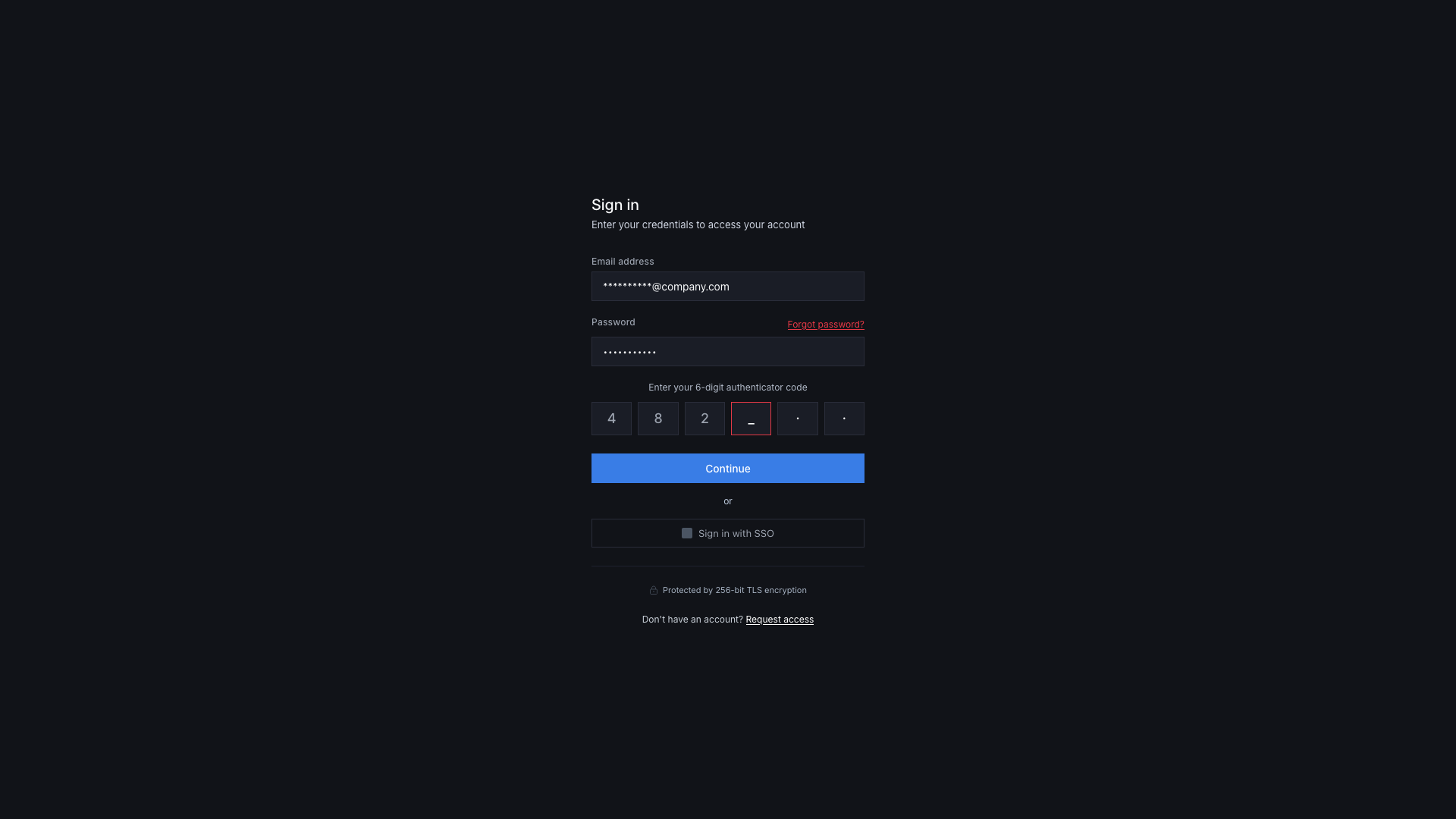

Authentication is the front door to your application. It’s also one of the most common places we find serious vulnerabilities during penetration testing engagements. Not because the concepts are particularly complex, but because it can be easy to get wrong and the consequences could be significant.
A broken authentication implementation doesn’t just expose one user’s account. In a SaaS environment it can expose every account on the platform and everything those accounts have access to, including administrative functionality and your customers’ data. The impact is proportional to how central the authentication system is.
This post covers the authentication controls that matter most for SaaS startups, what we see go wrong in practice, and a checklist you can use to assess where you stand. It draws on guidance from the OWASP Authentication Cheat Sheet, the OWASP Multifactor Authentication Cheat Sheet, and the OWASP Session Management Cheat Sheet, alongside what we see in real applications.
Passwords: the basics are still being missed
Password handling should be a solved problem in 2026, but there are still some misconceptions around what the modern best practices are and how to implement them.
Hashing, not encrypting
Passwords must never be stored in plaintext or in reversible encrypted form. They should be hashed using an algorithm specifically designed for password storage: Argon2id, bcrypt, or scrypt are all viable options but come at a different cost computationally.
The distinction between encryption and hashing matters, and may be something that junior developers are not fully aware of: encryption is reversible, which means a compromised key could expose every password in your database.
A properly hashed password, even if the database is breached, cannot be directly reversed into the original credential. Password hashes that are compromised or leaked online are still vulnerable to different types of password cracking attacks, but the point of using these stronger key derived functions is that they are resource intensive to create, compare, and ultimately crack.
MD5 and SHA-1 are not acceptable for password hashing. They are general-purpose hashing algorithms, and not password hashing algorithms, which means they’re fast by design but trivial to brute-force. If your application is still using either for password storage, that’s a finding we’d flag as high severity.
Password policies: length over complexity
In the days gone by, the recommendation for password strength was to enforce the use of uppercase letters, lowercase, special characters, and numbers. This doesn’t translate to strong passwords in practice, and through our extensive experience of password auditing, we’d often see passwords being set like “September21!” or “Password!123”. Both of these examples satisfy these complexity rules, but these requirements can cause frustration for users who end up using something they are familiar with and iterate on instead.
The current NIST guidance (SP 800-63B-4) has moved away from complexity requirements and more toward length. A minimum of 12 characters is a reasonable baseline, with 16 or more preferred.
As every password should be hashed before being inserted into the database, there shouldn’t be any reason to have an arbitrary limit (e.g. 32 characters) on the length. However, due to the recommended hashing algorithms being computationally expensive to run, having a reasonably larger limit (for example 128 characters) should be sufficient for users that utilise password managers.
Mandatory periodic rotation, i.e. forcing users to change passwords every X number of days, is also no longer suggested. This practice was once highly recommended, and I’m sure if you’ve had a pentest or compliance audit over 5 years ago it would have appeared on the results as a red flag. The problem is that forcing a periodic rotation can unintentionally encourage weaker passwords and result in predictable incremental changes to passwords over time.
What still remains appropriate is to check user-submitted passwords, securely, against lists of known breached credentials at the point of creation or change. There are services available that allow a non-disclosure method of validating user passwords – one example is through Cloudflare’s proxy service, where they will append relevant HTTP headers to inform the resulting API service of the results from the check.
Password recovery
The forgotten password flow can be a weak link in an otherwise reasonable authentication implementation. Common failures that we see can include reset tokens that don’t expire, reset links that remain valid after use, and user flows that reveal whether an email address is registered or not (which leads to user enumeration).
A well-implemented password recovery flow uses short-lived, single-use tokens that are delivered to a verified email address. The token should expire within 15 to 60 minutes depending upon your use case and user audience.
The response to a password reset request should be identical regardless of whether the email address exists in the system or not. This means that the backend shouldn’t return different responses for registered and unregistered addresses, which can indicate to an attacker if an account exists and then target.
What we see in practice
The most common password-related findings we encounter aren’t world-ending, but they are implementation oversights that likely stem from the engineering teams not realising what best practice looks like from a security perspective:
- Reset tokens that are valid for long periods of time.
- Responses that differ depending on whether an account exists.
- Password policies that enforce complexity at the client side but not the server side, making them trivially bypassed.
These issues by themselves are often rated with a medium severity, but the combination of several of them can increase the risk of a successful account takeover attack and lead to a more exploitable attack chain.
Multi-factor authentication: offered isn’t the same as enforced
MFA is one of the most effective controls available for preventing account takeover. It’s also one of the most inconsistently implemented. Some applications will forego password-based authentication and rely solely on email-based OTP, whilst others will offer SMS based or email based OTP. In other situations, it’s not uncommon to see MFA being offered only to higher-paid subscriptions, but this is a practice that has slowly died out.
Enforce it, don’t just offer it
Making MFA optional is better than not having it at all, but it’s not good enough if account security matters to your business and to your users. Users will routinely skip optional security controls, particularly if it isn’t obvious to them when setting up their account or if it causes friction. The result is a population of unprotected accounts that are only secured via a username/email and password.
For internal accounts, i.e. your team’s access to production systems, admin panels, cloud infrastructure, and any tooling with privileged access, MFA should be enforced at the identity provider level with no bypass available (there are some exceptions to this, such as a failsafe account – but realistically all accounts should have MFA).
For customer accounts, the appropriate threshold depends on what your application handles: any application processing sensitive data, financial information, or operating in a regulated sector should be enforcing MFA rather than offering it.
In our view, MFA should be mandatory from the start. At the very least, if you want to enforce MFA as a baseline then consider using email-based one-time passcodes, but prompt and give the option for users to set up their own separate MFA authentication method.
MFA method selection
Not all MFA methods are equal when it comes to being secure. Text message (SMS-based) one-time codes are better than nothing, but they are vulnerable to SIM-swapping attacks and have long been considered deprecated as a second factor by NIST for high-assurance applications.
Authenticator app-based TOTP (time-based one-time passwords) is the practical standard for most SaaS applications. They’re widely supported, low friction and familiar to users, and significantly harder to intercept than SMS.
Hardware security keys (FIDO2/WebAuthn) offer the strongest protection and are worth supporting for high-privilege accounts and enterprise customers.
Email-based OTPs are a reasonable option for lower-risk scenarios but share some of the weakness of SMS – a compromised email account negates the second factor entirely.
Session management: the authentication that happens after login
Authentication doesn’t end when a user logs in, and the session that follows is itself a form of ongoing authentication. Each request to a backend API verifies the identity of the user through session cookies or JWTs, and the initial login to an application provides you with one of these claims.
Token generation and storage
Session tokens must be generated with sufficient entropy to prevent brute force or guessing. Frameworks generally handle this correctly when used as intended, but custom implementations can often fall short. A session token should be unpredictable, unique, and sufficiently long, and at least 128 bits of entropy is a reasonable baseline.
Where these tokens are stored matters too. Storing session tokens in localStorage is a common pattern in single-page applications (SPAs) and one that we frequently flag as a finding. The reason being is that localStorage is accessible to the client-side JavaScript, which means any sort of XSS vulnerability in your application can be used to steal session tokens from users.
HttpOnly cookies are not accessible to JavaScript and provide adequate protection against this class of attack. The SameSite cookie attribute also adds protection against cross-site request forgery (CSRF), which if exploited could leave the door open for an attacker to force a genuine user to invoke an action they didn’t intend to.
Session expiry and invalidation
Sessions should have both an idle timeout, which means to expire after a period of inactivity, and an absolute timeout that limits the total lifetime of a session regardless of activity. The appropriate values depend on your application’s sensitivity, but generally long-lived sessions that never expire are a finding we see pretty often, and particularly in internal tooling and admin interfaces where convenience was prioritised over security.
Critically, the application logout flow must invalidate the session server-side. Clearing the token from the client is not sufficient, and the same weaknesses apply where if the token has been stolen then the attacker’s copy remains valid until the server-side session record is destroyed. We verify this by capturing a session token before logout and attempting to use it afterward. In a securely implemented logout flow the token should be rejected immediately after the user logs out.
Session fixation
A session fixation vulnerability allows an attacker to set a known session ID before a user authenticates, then take over the session once they log in. This is particularly relevant in frameworks that issue session tokens before authentication.
The fix is straightforward to implement: issue a new session token at every privilege level change (for example, going from an unauthenticated ‘session’ to then logging in). Using the pre-authentication session token as the post-authentication session token is the root cause of this class of vulnerability.
Re-authentication for sensitive actions
For high-risk user flows it’s highly recommended to require the user to re-authenticate. Forcing a user to reauthenticate adds an additional layer of protection even for users with active sessions.
As an example, you would want to validate a user’s claim to their account when they want to change their email address, their password, reset their MFA setup, or before granting them access to a restricted administrative function.
A valid session proves who the user was when they logged in, but not necessarily who is at the keyboard during that action.
Username enumeration: a small leak with real consequences
Username enumeration is easy to overlook and easy to prevent. The principle is simple: your application’s responses to authentication attempts should not reveal whether an account exists.
If your login form returns “incorrect password” when a valid email is entered, but with the wrong password, and “account not found” when an invalid email is entered, you’ve handed an attacker a reliable way to build a list of valid accounts on your platform. The same applies to registration flows, password reset flows, and any other endpoint that accepts a user identifier and produces a different response based on whether it exists.
The solution to securing these user flows is to enable consistent, generic error messages regardless of what information is correct or incorrect. An example message that you could return would be “If an account with that email exists, you will receive a reset link”.
If you’re already implementing generic responses, one additional data point that is very often overlooked during a penetration test is the response time from the server. In some situations it is possible to perform username enumeration based purely on how quickly the server responds to the various states of “failure”.
If you think of what your authentication flow is doing when the backend function is running (validating the input, checking if the user exists, comparing the password hashes, verifying that the MFA code is valid, etc), each of these tasks takes a little bit of time in isolation.
One way to obscure this would be to handle a random timeout before returning the response to the client-side application. If the server takes 400ms to return a successful response to a user logging in, but takes 200ms to return the generic error message that fails at the point of the password comparison, or 100ms consistently for a known invalid email address – this is where the timing based enumeration is identified.
Brute force protection: rate limit your users
Without rate limiting, a login endpoint could be attacked indefinitely. Credential stuffing is probably the biggest threat to end user accounts within the last several years, where attackers will obtain compromised credentials from public data leaks and use them to attempt to login across a wide range of internet accessible web applications. This type of attack is automated, fast, and highly effective against applications that don’t limit login attempts.
Effective brute force protection involves monitoring and throttling of “login” endpoints at both the account level and the IP level. Care should be taken to avoid making account lockout itself through the rate limit being a denial-of-service vector for the user.
Progressive delays, temporary lockouts, and CAPTCHA challenges are all reasonable approaches depending on the context. Tread carefully with account lockouts for consumer based SaaS products, however, as this is generally a practice that is implemented for the more internal-based applications.
Rate limiting needs to apply to every authentication endpoint including password reset, account registration, and any API endpoint that accepts credentials. Don’t just target the API endpoint for the primary login form.
When implementing rate limiting, consider a tiered approach where sensitive (e.g. authentication) endpoints are given lower limits (e.g. 3 requests per minute) compared to authenticated read/GET endpoints that might be much more utilised during the intended operation of the application. The same applies for endpoints that handle file upload or intensive data creations or updates, where these might be more restrictive than data read operations.
There’s no hard and fast rule for rate limiting, and it should be purely based upon the business requirements and how noisy the client-side application is with API requests.
Authentication security checklist
Passwords
- Passwords hashed using Argon2id, bcrypt, or scrypt – not general purpose hashing algorithms or reversible encryption
- Minimum password length of 12 characters that is enforced serve-side
- Password complexity requirements replaced or supplemented with appropriate length requirements
- Mandatory periodic rotation not enforced
- New passwords checked against known breached credential lists
- Password reset tokens are short-lived (15-60 minutes) and single-use
- Password reset flow returns identical responses regardless of whether account exists
- Passwords transmitted only over TLS
Multi-factor authentication
- MFA enforced (not just offered) for all internal and privileged accounts
- MFA enforced or strongly encouraged for customer accounts handling sensitive data
- TOTP supported as minimum MFA method
- SMS OTP not used as sole MFA option for high-assurance accounts
- MFA enforced consistently across all authentication flows
- Account recovery flows require MFA or equivalent verification
- “Remember this device” functionality time-limited and device-bound
Session management
- Session tokens generated with sufficient entropy (128 bits minimum)
- Session tokens stored in HttpOnly cookies, not localStorage
- SameSite cookie attribute configured appropriately
- Idle session timeout implemented
- Absolute session timeout implemented
- Session is invalidated server-side on logout
- New session token issued on login and at any privilege level change
- Re-authentication required for high-risk or sensitive actions
Enumeration and brute force
- Login, self-registration, and password reset flows return consistent responses regardless of account existence
- Rate limiting applied to all authentication endpoints
- Rate limiting applied at both account and IP level
Functional authentication isn’t the same as secure authentication
Authentication is one of those areas where “it works” and “it’s secure” are unfortunately not always the same thing. A login form that accepts credentials and grants access feels complete from a product perspective, but the session management, recovery flows, and API endpoints are the places where you don’t want vulnerabilities to reveal themselves later (and under less controlled circumstances).
If you’ve worked through this checklist and want an independent view, a web application penetration test will cover all of these controls and the interactions between them – including the edge cases that checklists don’t fully capture. Get in touch if you’d like to discuss what that looks like for your application.