
You’ve defined the scope, received a quote, signed off on the statement of work, and agreed on a start date. What happens next?
This post walks through the lifecycle of a typical web application penetration test from the start of testing through to the delivery of your pentest report. You’ll know what to expect at each stage and how to get the most out of the engagement.
If you haven’t read our post on scoping a web application assessment, it’s worth a look before continuing, as it covers how the scope is built and why the decisions made there can affect the approach and delivery of a pentest.
Before Testing Starts
Even after the scope is agreed and the commercial paperwork is signed, there’s a pre-engagement phase before the hands-on active testing begins. This is important to reduce friction and avoid delays during the actual test.
Rules of Engagement
Depending upon the vendor you’ll likely have already signed a rules of engagement (RoE) document alongside the statement of work, or you’ll receive one ahead of the pentest start date. The rules of engagement formalises what is and isn’t permitted during the pentest: the targets (IP addresses, URLs, domains), the functionality of the web app, testing hours, and any restrictions for testing techniques like brute-forcing or automated scanning.
It’s important to read this document carefully, as if anything looks wrong or doesn’t reflect what was noted in the scoping discussion then you should raise it before testing begins.
Technical and Emergency Contacts
For the delivery of a pentest you’ll be asked to provide a technical contact who will be available throughout the testing period. This is usually a lead developer, security lead, or someone senior that is responsible for interfacing with the testing consultant. They’ll act as a liaison for any questions, support, or issues that arise during testing.
An emergency contact is typically only needed for break-glass scenarios, where a critical business impacting issue is identified during testing, the technical contact is unreachable, or where something is discovered during testing out-of-hours.
Test Accounts and Credentials
When a pentest is being performed from an authenticated perspective (and there is no self-registration, for example), the testing consultant will need to be provided with sample user accounts. Depending upon the application and the approach agreed during the scoping process this might include:
- A standard user account
- Individual accounts for each distinct role or permission level (e.g. admin, support agent, etc.)
These should ideally be created specifically for this test, and in a staging environment if one is available and the test isn’t scoped specifically for a production test.
If the application has self-registration, then the tester will usually handle account creation themselves (barring admin roles or similar permissions that cannot be self-registered).
One thing that’s important to note here with multi-tenancy (where user accounts cannot be self-registered) is that it’s usually a good practice to provide multiple user accounts for each permission set for at least two tenancies (or sample organisations). The main reason for this is to allow the tester to evaluate cross-tenancy authorisation logic.
Internal Awareness
Depending upon how your organisation is structured, it’s worth notifying relevant internal teams before testing starts. This may not be necessary if you’re performing a full red-team engagement, where the approach is to actually assess the blue-team response to potential attacks (but this is outside of the scope for a traditional pentest, like we’re talking about here).
Your SOC or security monitoring team should know that a pentest is planned for the dates agreed. Ideally they won’t whitelist any testing activity (with exception from any agreed specific instances to validate a vulnerability), but it’s important that they don’t raise the alarm or create an incident that disrupts the engagement (or miss a real attack because they assumed everything was related to the pentest).
The same thing applies to development and infrastructure teams. You don’t want a fresh deploy mid-assessment that changes the state of the application (unless otherwise agreed/notified). One exception to this with how we do things at Exploitr is that we’ll happily revalidate a hotfix to a vulnerability during the engagement and report on it appropriately (at the end of the day, we want you to be secure).
Day One – Reconnaissance and Enumeration
The start of every web application pentest begins with understanding the application. From your perspective it may appear that very little is happening, but from the tester’s side they’ll be building context around the application from both an authenticated and unauthenticated perspective.
What the Tester is Doing
Reconnaissance involves building the picture of the application before any active exploitation testing begins. For a web application this typically looks like:
- Spidering, crawling, and manually interacting with the application to create a map of accessible routes, API endpoints, and functionality.
- Passive recon by reviewing the application as a standard user, observing how it behaves, and identifying the technologies in use (e.g. frameworks, libraries, CMS platforms) and noting areas of interest.
- Reviewing the HTTP traffic captured during interactions to see how the application communicates with an API, determine how sessions are managed, and small things like the headers that are in use.
- Pinpointing the potential attack surface like the authentication flows, sign-up/registration, file uploads, file downloads, and anything that accepts user input or parameters.
At Exploitr this phase also involves us capturing internal notes and documenting a testing plan to ensure that all functionality is covered (and compared against the scope of work).
What You Might Notice
Depending on your monitoring setup, you may see:
- Increased traffic from an unfamiliar IP address: this will likely be the traffic from the tester.
- Automated scanning activity being sent to your application and API (such as directory enumeration, specific API endpoints being probed).
- Multiple login attempts, account registrations, or password reset requests from the test accounts or invalid user accounts.
None of the above should be surprising if your team were notified ahead of time, but if anything looks suspicious or the traffic originates from IP addresses that weren’t provided as part of the tester’s origin IP addresses then you should contact your pentest vendor point of contact to confirm before raising it as an incident.
With any pentest provided by Exploitr we notify you of the expected origin IP addresses ahead of time, so you should be able to quickly compare these to the identified traffic throughout the engagement.
Active Pentesting
Once the initial phase of reconnaissance and enumeration has been completed, which may only be a few hours or up to a day, the tester switches into active exploitation. This is what most people will think of when they picture a penetration test.
How a Tester Works Through the Web Application
A structured web application assessment typically follows a logical progression rather than switching between areas at random. Although, there are situations where this “context switching” does happen, it is usually when a potential vulnerability has been identified and then other similar functionality is assessed for coverage.
Authentication, registration, and session management are usually the first areas to be assessed due to these being a key attack surface. Identifying an authentication bypass, for example, would be a critical issue that you should be made aware of immediately.
From there, testing would typically move onto the core functionality that was noted in both the scoping phase and anything identified through the enumeration phase. For an e-commerce application, this might replicate a real user flow through browsing items, adding them to the shopping cart, and then checking out and reviewing the order.
Each workflow that’s assessed is tested for possible weaknesses with how data is handled both client-side and server-side, how access and authorisation is enforced, and the response from how the application behaves with manipulated data.
Manual Testing vs Automated Scanning
A good pentest is not a vulnerability scan, although a vulnerability scan can identify the majority of the “low hanging fruit” vulnerabilities like header misconfiguration, server weaknesses or missing patches.
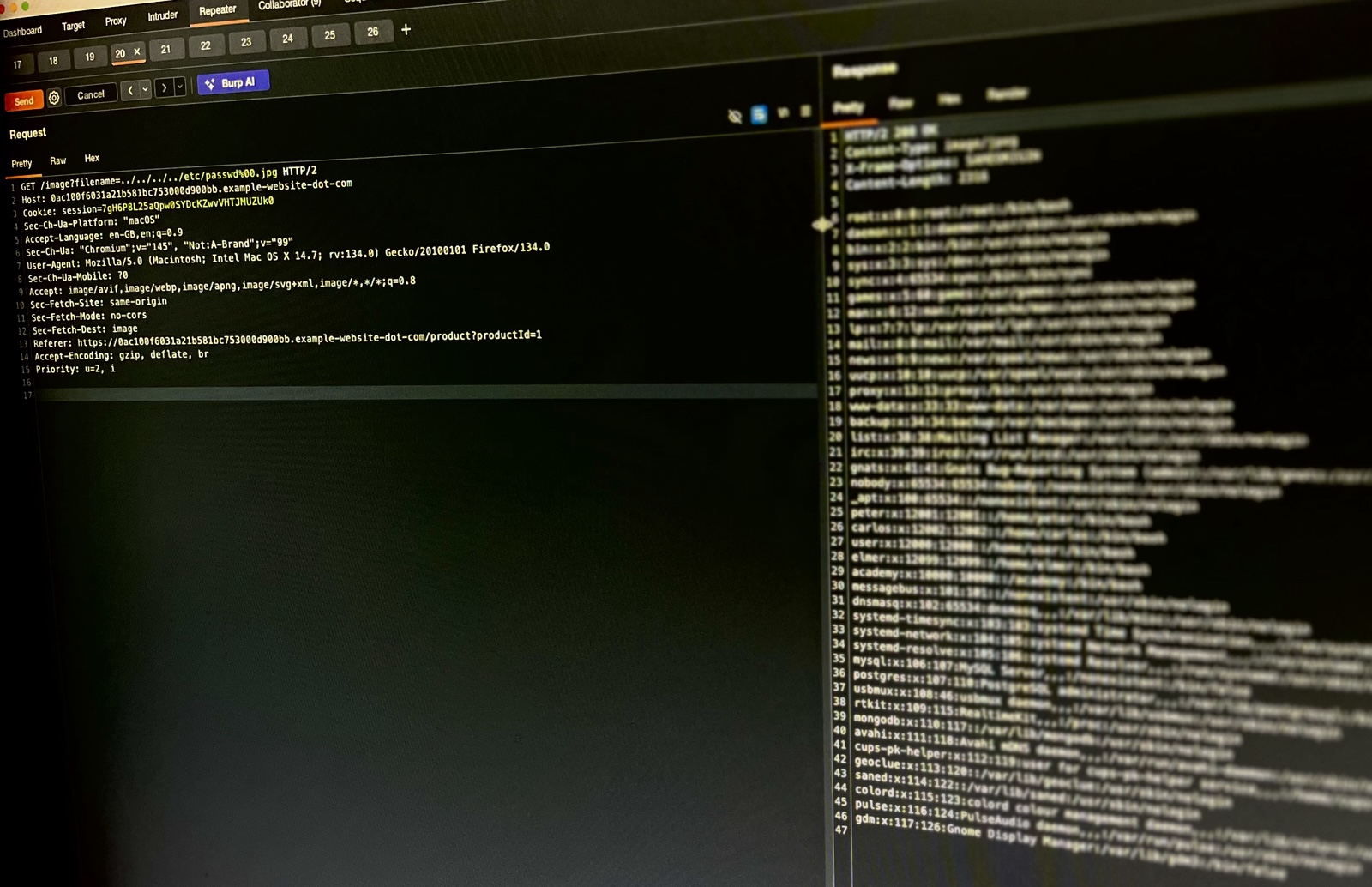
Automated tools are used as part of the testing process, and the way they’re used during an application pentest is to improve the efficiency of testing. One example being the Intruder tool within Burp Suite, which allows the tester to construct a HTTP request and quickly send hundreds or thousands of requests for parameters, headers, or body content. The use of this enables the accelerated assessment for weaknesses like parameter tampering, file inclusion, command injection, SQL injection, and so on.
However, business logic vulnerabilities can’t typically be identified with a vulnerability scan or semi-automated testing. These are issues like price manipulation, broken access control between user roles, or flaws in multi-step workflows that require a tester to understand what the application is supposed to do and then probe whether it can be made to do something else.
What Exploitation Means in Practice
For a lot of clients, “exploitation” can sound a bit alarming. For a web application pentest, this usually means identifying and demonstrating that a vulnerability is real and could have a measurable impact.
For example:
- Identifying SQL injection by inserting breakout characters into an API parameter.
- Exploiting SQL injection by extracting a non-sensitive piece of data from the database (not explicitly dumping a whole table).
- Proving that Cross-Site Scripting is possible by executing a harmless JavaScript “alert” in the browser
- Showing that an access control bypass can allow one user account to view the details of another user account (which is why we suggest multiple user accounts)
How far exploitation is taken during a pentest is ultimately decided by your organisation, and should be clearly noted within the rules of engagement. You may want to only demonstrate exploitability, but not take this to a full-blown compromise scenario, or you may want the tester to perform a more red-team style engagement that can extract the user and password database tables or gain system access to demonstrate real impact.
Critical Findings – Will You Hear About Them During the Test?
This is something that is worth setting expectations around before the start of the engagement. At Exploitr, if a critical or impactful high-severity vulnerability is discovered during testing (particularly if one could lead to a data breach or full compromise) we’ll raise this with our point of contact immediately.
Knowing about these vulnerabilities when they’re discovered gives your team the option to patch and remediate before the testing window closes. It also avoids an awkward situation where a tester has been sitting on a critical finding for three days without saying anything.
Confirm with your provider upfront whether they follow this approach, and make sure your point of contact is available to receive that kind of communication.
Out-of-Scope Situations and Unexpected Discoveries
There are times when even with a well-defined scope, and rules of engagement, unexpected situations arise during testing.
Discovering Something Outside the Agreed Scope
If a tester identifies a vulnerability in a system or endpoint that wasn’t explicitly in scope, such as an exposed admin panel on a subdomain, the standard approach is to note it and raise it with the point of contact rather than probe it further. Testing out of scope systems without approval is not acceptable regardless of intent, and a responsible provider will treat this boundary seriously.
This is another reason to be explicit about what is and isn’t in scope when defining the rules of engagement. This isn’t just to limit the cost of testing, but to ensure that anything that’s excluded is actually excluded, and that there should be an agreement on what happens if any adjacent discoveries are made.
Evidence of Prior Compromise
It’s a rare situation, but there are sometimes signs that an application has been previously compromised during pentest engagements. These can be a web shell, suspicious files, or an active backdoor that wasn’t placed there by the active tester.
If this occurs, a responsible provider should stop testing immediately and notify the point of contact. Continuing to test around a live compromise risks contaminating evidence and making any incident response procedures a lot more difficult.
Your team should be prepared to treat this as a potential security incident that requires investigation, entirely separate from the penetration test.
One quick note on this is where a prior pentest company has performed an assessment and there are remnants of the testing activity still present. Usually this happens in development or staging environments (especially where testing accounts are re-used). In this scenario you still might be notified of possible compromising activity, but this is one reason that we’d recommend fresh user accounts for each assessment.
Wrap-Up and Debrief
As the testing window closes there is typically a brief wrap-up phase before the report is completed and delivered.
End of Testing
The tester will complete their final notes, ensure all findings are documented, and confirm with the point of contact that the engagement has concluded and active testing has stopped. If your monitoring team was notified at the start, it’s worth confirming with them that the testing window is closed.
The Debrief Call
Most providers will offer a debrief call either on the last day of testing, or alongside the delivery of the written report.
A debrief gives you the opportunity to hear how testing went from the pentest provider’s perspective, ask questions about specific findings before you’ve had time to fully review the report, and get a sense of which findings might be recommended to prioritise.
It’s useful to have your development lead, head of engineering, or the person that owns the application internally present on this call (not just the person that arranged the test). The purpose of this call is to help distill the information to those that would benefit from it the most.
The Pentest Report
The main deliverable you’ll receive from a pentest is the resulting report. This is a formal output of the engagement, and the document that you’ll be working from as part of your remediation process.
What a Pentest Report Contains
A well-structured web app pentest report will typically include:
- Executive Summary: a high-level overview of the engagement, the scope, and the overall findings. This should be written for a non-technical audience, like C-level executives, a board, a client, or compliance auditor.
- Scope and Methodology: a description of what was tested and the approach that was taken. This provides a context basis for the findings and should document any exclusions and the rules of engagement.
- Findings: the main content of the report, where each finding will include a severity rating, description and details of the vulnerability, any proof-of-concept evidence (like screenshots, code output), and remediation guidance.
- Informational items: these are general observations that aren’t vulnerabilities, but are worth noting for awareness. Some providers will include these as a suffix to the findings.
Triaging Findings
As the report findings will usually be rated by a severity (e.g. Critical, High, Medium, etc) they’ll likely combine the likelihood of exploitation with the potential impact, and can be a useful starting point for prioritisation.
Don’t fall into the trap of working through the findings strictly in the order they’re presented in the report. A critical finding that may require significant development effort might take weeks to remediate, whilst three medium findings may be able to be resolved with a small configuration change and tested within an afternoon. Review the remediation guidance for each finding and plan your remediation efforts around the recommendations as well as the severity.
Pay attention to findings that relate to your specific business concerns from the initial scoping discussion. If your primary concern was payment handling, then any findings that relate to this functionality may be a higher priority for the business regardless of the rating in the report.
Retesting
Once your team has completed their remediation, you may want to procure a retest of the application. A retest involves the tester revisiting each finding to confirm that the mitigation or fix is effective and hasn’t introduced any new issues. At Exploitr we offer focused retesting of the remediated vulnerabilities by default.
Confirm whether retesting is included in your quote or would be a separate engagement that’s billed separately before your engagement begins. Some providers include it by default, whilst others treat it as a separate assessment entirely.
Summary – What to Expect During a Web App Pentest
A web application penetration test is a structured engagement. The more you understand about what’s happening at each stage, the better placed you’ll be to plan and act on its output.
Before testing starts, make sure your rules of engagement are accurate, you have a technical point of contact, and that test accounts are ready for the pentester.
During testing, expect a mix of automated and manual activity. The tester will work through your application, starting with authentication and progressing through the core functionality.
After testing, the debrief call is where your technical team can get first-hand information from the results of testing, and the report should be read with a key focus on prioritisation. Plan your remediation efforts around the recommendations and ensure retesting is part of your follow-up plan.